Gift Wrap Mockup: Perfect for Creative Projects
Whether you're a designer, marketer, or small business owner, Gift Wrap Mockup and Wrapping Paper Mockup are essential tools for showcasing your designs in a realistic and professional way. These mockups allow you to present your work as if it were already wrapped, making it easier to communicate your vision to clients, customers, or collaborators.
With the right mockup, you can demonstrate how your design will look on actual products without the need for physical samples. This saves time, reduces costs, and streamlines the creative process. For those who work with invitations, stationery, or packaging, these mockups are invaluable assets.
What Makes a Good Wrapping Paper Mockup?
A high-quality Wrapping Paper Mockup should be realistic, easy to use, and fully editable. It should allow you to insert your design seamlessly, ensuring that the final image looks natural and polished. The best mockups come with Smart Object layers in Photoshop, giving you complete control over the design elements.
When choosing a Wrapping Paper Mockup, look for features like high-resolution images, clear edges, and accurate lighting effects. These details make a big difference in how your design is perceived. A well-crafted mockup not only enhances your presentation but also reflects your professionalism and attention to detail.
Key Features of Our Mockup Templates
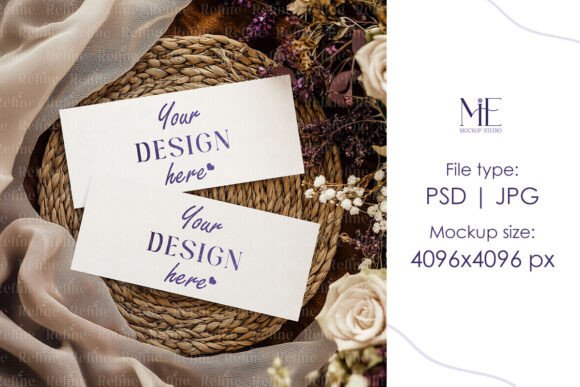
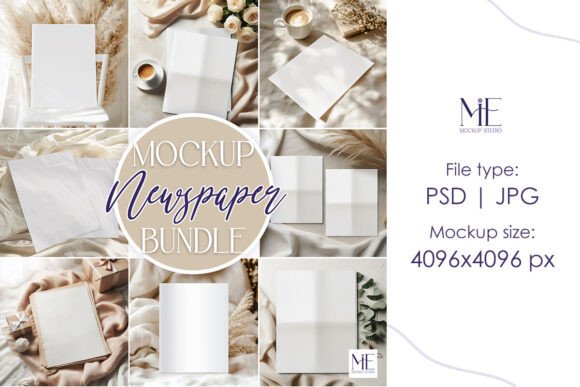
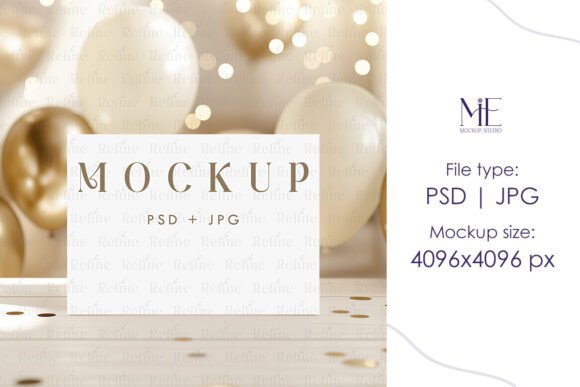
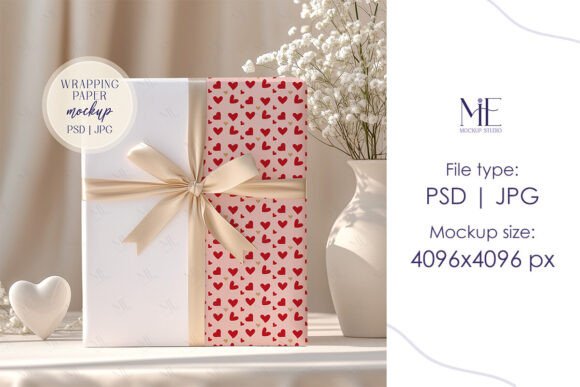
Our Gift Wrap Mockup and Wrapping Paper Mockup templates are designed with creativity and usability in mind. Each package includes a fully editable PSD file with Smart Object layers, allowing you to easily add your own artwork, text, or graphics. The high-resolution JPG file ensures that your final image looks sharp and detailed, even when printed at large sizes.
These mockups are ideal for a variety of uses. Whether you're creating digital marketing materials, social media posts, or print-ready designs, our templates provide a realistic preview of your work. You can customize the colors, patterns, and layouts to match your brand or project needs.
How to Use Your Mockup
Using our Gift Wrap Mockup is straightforward. After purchasing, you'll receive an instant digital download with the necessary files. Open the PSD file in Adobe Photoshop, locate the Smart Object layer, and double-click to insert your design. Once you've added your content, save the file and export the final image for use in presentations, websites, or client proposals.
The Smart Object layers are designed to maintain the integrity of the mockup while allowing for easy modifications. This means you can experiment with different designs without compromising the quality of the final output. It's a powerful tool for both beginners and experienced designers alike.
Practical Applications Across Industries
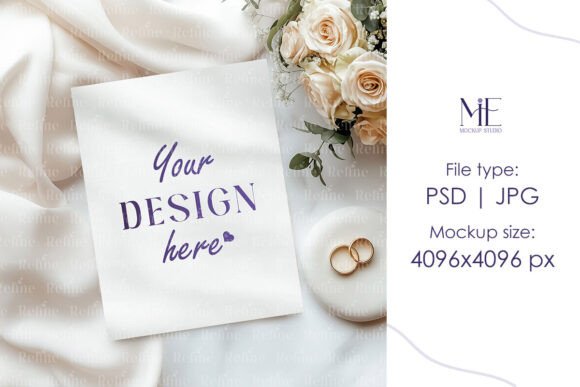
Gift Wrap Mockup and Wrapping Paper Mockup have a wide range of applications across multiple industries. For example, wedding planners can use Wedding Gift Wrap Mockup to showcase their custom designs to couples looking for unique wrapping options. Event organizers might use favor box pattern paper mockups to visualize how their branded boxes will look at a party or celebration.
In the retail sector, businesses can use these mockups to create eye-catching product displays or promotional materials. E-commerce sellers can use them to highlight their products in online listings, making their offerings more appealing to potential buyers. Educators and students can also benefit from these tools when teaching design principles or working on creative projects.
Benefits of Using Digital Mockups
One of the biggest advantages of using a digital mockup is the ability to test and refine your designs before production. This reduces the risk of errors and ensures that the final product meets your expectations. It also allows for faster revisions and more efficient communication with clients or team members.
From a branding perspective, using consistent mockups helps reinforce your visual identity. Whether you're designing for a personal project or a commercial client, a professional-looking mockup adds credibility and makes your work stand out. It also improves user experience by providing a clear and realistic representation of the final product.
Recommendations for Choosing the Right Mockup
When selecting a Gift Wrap Mockup or Wrapping Paper Mockup, consider the specific needs of your project. Are you designing for a wedding, a corporate event, or a personal gift? Different scenarios may require different styles, colors, or formats. Look for mockups that offer flexibility and customization options to suit your goals.
It's also important to choose a mockup that aligns with your design software. If you primarily work in Photoshop, make sure the template is compatible and easy to edit. Check reviews or sample images to get a sense of the quality and realism before making a purchase.
Final Thoughts on Using Mockups
Gift Wrap Mockup and Wrapping Paper Mockup are powerful tools that can enhance your workflow and improve the quality of your designs. By using these templates, you can save time, reduce costs, and deliver more professional results. Whether you're a freelancer, a small business owner, or a creative professional, these resources are worth adding to your toolkit.
Investing in high-quality mockups like our Wedding Gift Wrap Mockup or Box and Wrapping Paper Mockup can make a significant difference in how your work is presented and received. With the right tools, you can bring your ideas to life with confidence and precision.